
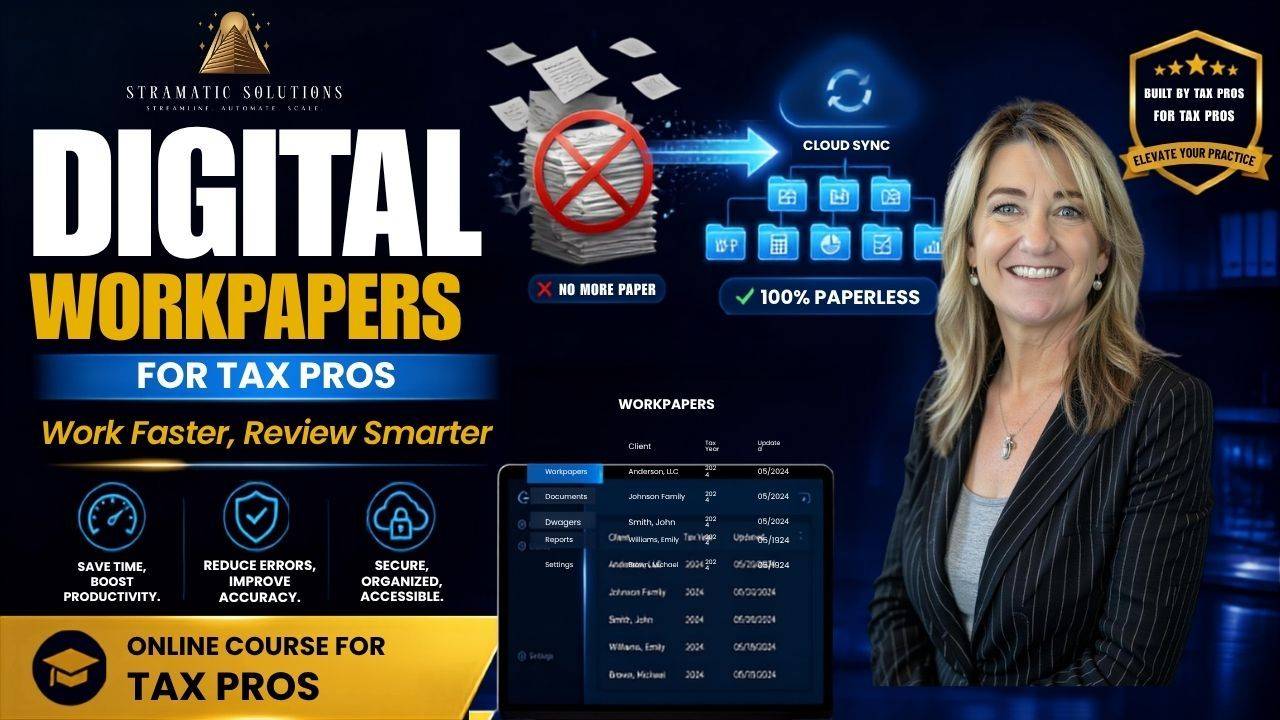
Digital Workpapers for Tax Professionals
Create an organized, consistent, and review-ready tax preparation process using Adobe Acrobat and the TicTie Calculate plugin.
Digital workpapers can help your tax team stay organized, document important decisions, and prepare returns more efficiently. In this course, I walk you through the digital workpaper system I use with Adobe Acrobat and TicTie Calculate to create a streamlined and consistent tax preparation workflow.
You will learn how to organize and annotate client documents, add calculations, document your work, track outstanding items, and make tax returns easier to prepare and review.
Inside the course, you’ll learn how to:
-
Organize client tax documents in Adobe Acrobat
-
Use TicTie Calculate to annotate and prepare digital workpapers
-
Add calculations, notes, references, and review comments
-
Create a consistent preparation process across your team
-
Document tax positions, adjustments, and open questions
-
Track missing information and outstanding client items
-
Make workpapers easier and more efficient to review
-
Improve communication between preparers and reviewers
-
Build a repeatable digital workpaper workflow
This course is for you if:
-
Your tax workpapers are inconsistent or difficult to review
-
You want to move away from paper-based processes
-
You currently use or plan to use Adobe Acrobat and TicTie Calculate
-
You manage preparers or reviewers within a tax practice
-
You want to improve the organization and quality of your tax files
-
You need a more efficient and repeatable tax preparation workflow
The goal of this course is to help you create clear, organized digital workpapers that show what was prepared, what was reviewed, and what still needs attention.
Spend less time searching for information and more time preparing accurate, well-documented tax returns.